
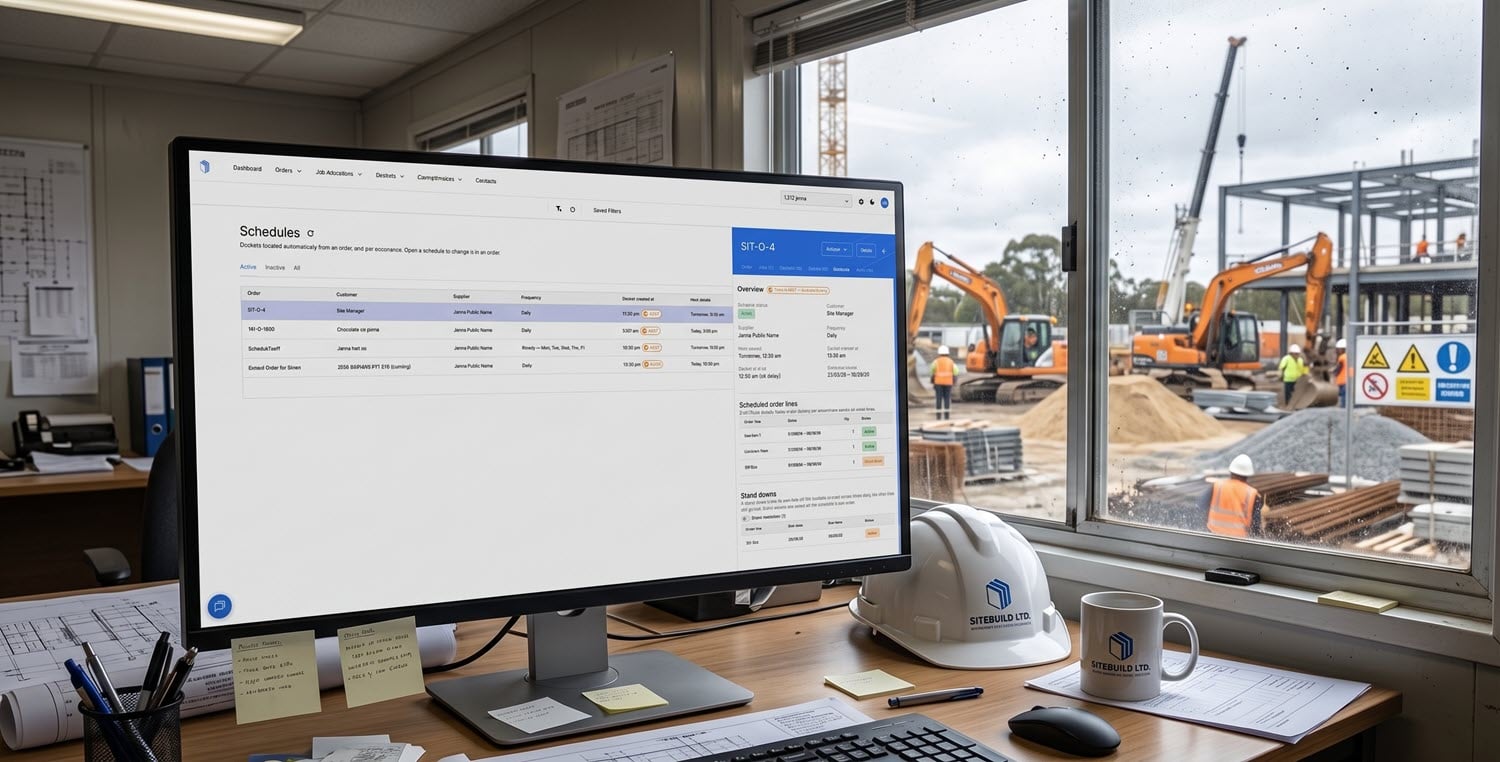
Introducing Scheduled Dockets for Dry Hire
Dry hire equipment charges start accruing the moment the asset reaches site. But without an operator present, there is often no one raising a docket. For subcontractors, this creates a predictable commercial problem: billing falls behind, charges stack up unrecorded, and month-end becomes an exercise in reconstruction rather than reconciliation.
The new scheduled dockets feature addresses this gap directly. Suppliers can now configure recurring dockets for dry-hire items so that charges are captured automatically, on a daily, weekly, or monthly cadence, without relying on someone at site to initiate the process.
This post covers how scheduled dockets work, what they change in the dry hire billing cycle, and why they matter commercially for subcontractors managing hire fleets across multiple projects.
Key Takeaways: Scheduled Dockets for Dry Hire
Here are the main points subcontractors should take from the release.
- Dry hire charges accrue regardless of whether an operator is on site, but dockets often do not.
- Scheduled dockets generate automatically on a set cadence: daily, weekly on chosen days, or monthly on a fixed date.
- Once configured for a dry hire item in Docketbook, recurring dockets are sent directly to the customer for acceptance.
- Head contractors can cost-code and accept dockets without a site visit or paperwork chase.
- Consistent, automated docket flow eliminates month-end reconstruction and reduces billing disputes between suppliers and head contractors.
The Billing Gap in Dry Hire Equipment
The billing gap in dry hire starts when the asset begins earning before anyone creates the record that supports the charge.
Why No Operator Often Means No Docket
Wet hire comes with an operator. That operator creates a docket at the end of each shift. The commercial process works because someone is physically present to record the work and the charges.
Dry hire removes that person from the equation. The asset sits on site, accruing daily or weekly hire charges, but nobody is responsi
ble for generating proof of that hire period. The result is a gap between when the charge starts and when it gets documented.
What Delayed Dockets Do to Invoicing
When dockets are not raised as charges accrue, the billing process stalls. Subcontractors end up reconstructing hire records at the end of the month, often from memory, spreadsheets, or email trails.
The invoices that follow are late, frequently disputed, and hard for head contractors to reconcile against their cost codes. According to Resolve Forensic, invoicing irregularities involving equipment can drain significant sums from project budgets when records are incomplete or delayed.
For suppliers, this means slower payment. For head contractors, it means inaccurate accruals and cost reports that do not reflect what is actually on site. Both parties lose visibility into committed costs while the hire period is still running.
What Scheduled Dockets Change
Scheduled dockets close the gap between charge accrual and documentation. Instead of relying on a person at site to raise each docket, the supplier configures a recurrence pattern against the dry hire order. Docketbook then generates the dockets automatically at the defined interval.
The docket lands in the head contractor's inbox like any other Docketbook docket. It can be cost coded, accepted, or queried through the standard cross-company workflow. The difference is that the docket arrives on schedule rather than in a batch at month-end.
How Recurrence Works in Practice
The recurrence options are straightforward. Dockets can be set to generate daily, weekly on specific days, or monthly on a set date. Once configured for a dry hire item, the schedule runs until it is changed or the order is closed.
No app interaction is required from the field to trigger the docket. The configuration sits at the order level. The supplier sets it once, and the system handles execution for the duration of the hire.
How the Workflow Runs After Setup
Once a scheduled docket is configured, the process runs without manual intervention from either party. At each scheduled interval, Docketbook generates the docket and sends it directly to the head contractor.
On the receiving side, the head contractor or project team sees the docket in their standard inbox. They apply cost codes, review the charges, and accept or query the docket through the same workflow they use for every other docket on the project. No site visit is required to confirm that the item is still on hire.
For subcontractors, this means the hire period is documented progressively rather than retrospectively. Each docket serves as an incremental record of the ongoing charge, creating a traceable, agreed timeline of hire days that both parties can reference when the invoice arrives.
Why Scheduled Dockets Matter Commercially
The commercial argument for scheduled dockets is straightforward. Dry hire charges that are documented as they accrue are easier to invoice, easier to reconcile, and less likely to be disputed.
When dockets arrive on a predictable schedule, head contractors can track committed costs in near real time. Accruals stay accurate. Cost reports reflect what is actually on site rather than what someone remembered to log weeks later. (For more on real-time cost visibility, see our guide on civil cost overruns.)
For subcontractors, the benefit is equally direct. Invoices backed by accepted dockets move through the approval process faster. There is no end-of-month scramble to reconstruct what was on hire and where. The docket trail is already built, docket by docket, across the hire period.
A Dry Hire Roller on a Three-Month Job
Take a vibratory roller placed on a road project for three months, the kind of scenario common across plant hire operations. Without scheduled dockets, the supplier would need to manually raise dockets each week, or more likely, reconstruct the entire hire period at month-end from hire schedules and site records. Missed weeks mean missed revenue.
With scheduled dockets, the supplier configures a weekly recurrence when the order is created. Every week, Docketbook generates and sends a docket to the head contractor. The project team accepts each one through the standard workflow, applying their cost codes as they go.
Over twelve weeks, twelve dockets are raised, accepted, and ready to support the invoice. There is no back and forth, no chasing, and no reconstruction. When the invoice arrives, it ties directly to a sequence of agreed records that both parties have already reviewed.
Conclusion: Why Scheduled Dockets Suit Dry Hire
Dry hire has always been a billing blind spot. The absence of an operator removes the natural trigger for docket creation, and the commercial process suffers as a result. Scheduled dockets restore that trigger by automating it at the order level.
For subcontractors and suppliers managing hire fleets, this means charges are documented as they accrue, invoices are backed by agreed records, and month-end stops being a reconstruction exercise. For head contractors, it means accurate accruals, fewer disputes, and cost visibility that keeps pace with the project.
If your team is managing dry hire across multiple projects, scheduled dockets are worth configuring. Once the schedule is in place, the commercial benefit compounds across every week of the hire period.
FAQs About Scheduled Dockets for Dry Hire
These are the questions subcontractors are most likely to ask when deciding how to handle dry hire billing with scheduled dockets.
What is a scheduled docket in Docketbook?
A scheduled docket is a recurring docket that Docketbook generates automatically at a set interval. Once configured against a dry hire order, it creates and sends dockets to the head contractor on a daily, weekly, or monthly cadence without manual input from the field.
Can I choose which days scheduled dockets are generated?
Yes. Docketbook lets you set recurrence to daily, weekly on specific days of the week, or monthly on a fixed date. This flexibility allows you to match the docket schedule to the billing terms of each hire agreement.
Do head contractors need to do anything different to receive scheduled dockets?
No. Scheduled dockets appear in the same inbox and follow the same acceptance workflow as any other Docketbook docket. The head contractor can cross-code and accept each docket through the standard process.
How do scheduled dockets reduce billing disputes for dry hire?
Disputes often arise because hire charges are documented late and from incomplete records. Docketbook's scheduled dockets capture charges as they accrue, giving both parties an agreed, progressive record of the hire period. By the time the invoice arrives, the supporting dockets have already been reviewed and accepted.
Are scheduled dockets suitable for short-term dry hire as well as long-term?
Scheduled dockets work for any hire duration where charges accrue without an operator generating dockets on site. A daily schedule suits short-term hires measured in days, while weekly or monthly cadences suit longer engagements. The recurrence runs until the order is closed or the schedule is changed.


